
WordPress Theme Development
Custom WordPress
Theme Development.
A custom WordPress theme should express your brand and make content easy to manage. We build responsive templates and reusable patterns around the pages your business actually needs.

The problem behind the project
Does this sound like your setup?
Your theme fights the design
Layout restrictions and inherited styling make it difficult to deliver the experience you want.
Every page needs a different workaround
Content editors rebuild similar sections because there is no consistent template or pattern system.
The website is hard to maintain
Heavy dependencies and scattered overrides make everyday improvements unpredictable.
How we help
Start with the workflow.
Build the right response.
We begin with the content model and the journeys visitors need to complete. Templates, navigation, and reusable sections are designed together, so the visual system also works for the people maintaining it.
We choose a block, classic, or hybrid theme approach around your requirements and existing setup. The build includes responsive behavior, content editor consideration, and a documented way to extend the theme.
Capabilities
WordPress Theme Development with a clear scope.
Custom page templates
Layouts for services, products, articles, archives, and other content types.
Reusable content patterns
Consistent sections that editors can reuse without recreating the design.
Design-to-theme implementation
Turn approved design files into maintainable WordPress templates.
Theme integrations
Present plugin-generated content and WooCommerce journeys within the brand system.
Responsive refinement
Check navigation, type, media, and page layouts at different widths.
Theme handover
Explain the templates, editor behavior, and how new pages should be created.
What this can change
A better fit for the way you work.
A consistent brand experience
Bring pages and content types into one visual system.
Simpler content creation
Give editors repeatable layouts and sensible controls.
A maintainable starting point
Organize the theme so future changes have a clear place to live.
How we work
A process shaped around the task.
- 01
Audit content & layouts
Identify templates, components, and the current editing experience.
- 02
Define the theme system
Agree reusable patterns and the WordPress architecture.
- 03
Implement & populate
Build templates and test them with realistic content.
- 04
Review across devices
Check responsive layouts and editor workflows before handover.
Relevant technology
Tools that support the requirement.
Relevant project work
See the workflow in practice.
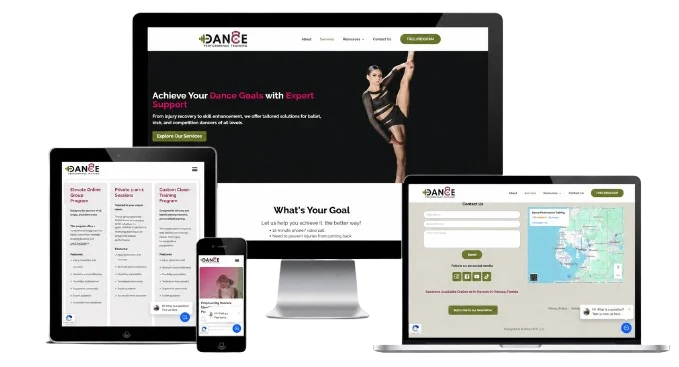
Figma to Elementor
A Figma-designed service page implemented in Elementor on WordPress.
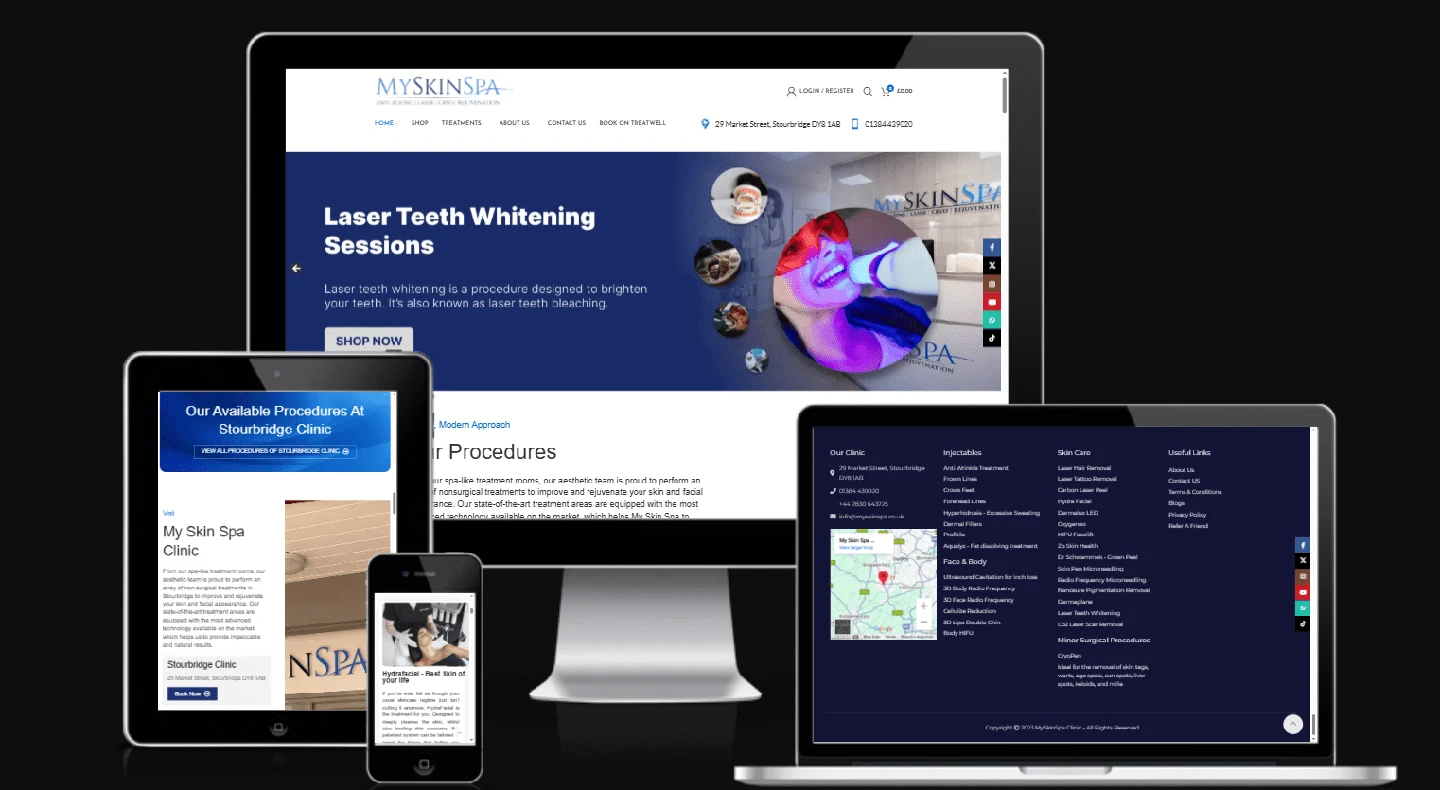
MySkinSpa
A responsive website redesign, location-aware shipping functionality, and site security improvements described in the project record.
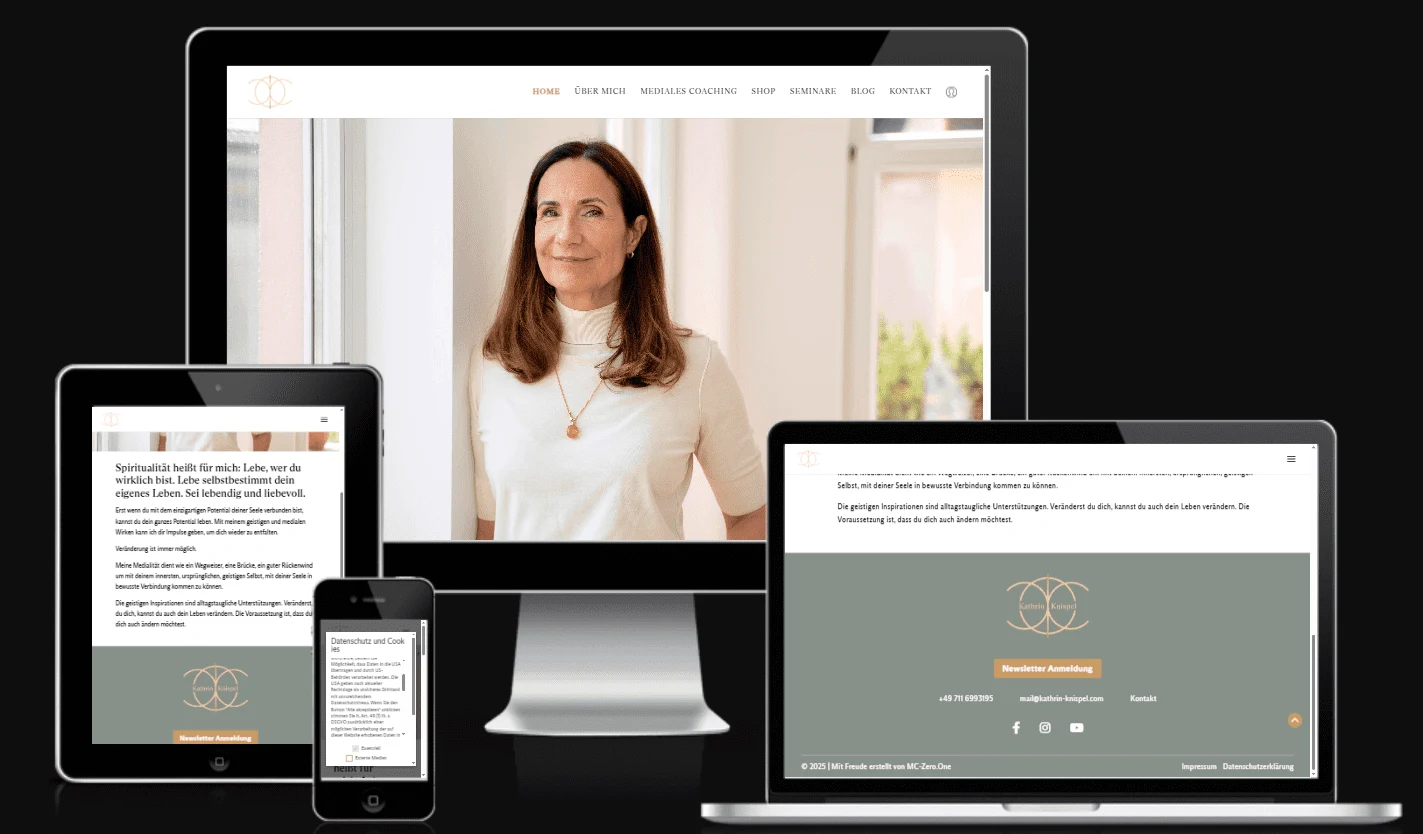
Seminar learning platform
A learning platform with recorded courses, live sessions, course management, and a customized theme.
Questions before we start
Discuss the details with confidence.
Can you build from our Figma design?+
Yes. We review the design files, responsive states, content requirements, and interactions before defining the build scope.
Should we use a custom theme or a page builder?+
That depends on the content, editing needs, performance priorities, and existing setup. We explain the tradeoffs before recommending an approach.
Can you create a child theme instead?+
Where the parent theme is a suitable foundation, a child theme can be a practical way to keep custom styling and templates separate.
Will our team still be able to edit pages?+
We plan the content editing experience alongside the front-end design and agree which layouts should be editable.
Can you keep our existing content?+
We assess content types, fields, plugins, and URLs before planning the theme change and any required migration.
Related expertise
Explore the next connection.
WordPress Customization
You may not need a rebuild. We investigate the specific limitations in your WordPress site and make focused changes to layouts, plugin behavior, content tools, and business workflows.
Website Redesign & UI/UX
Redesign the content, structure, and interface around the decisions visitors need to make. We combine a consistent visual system with practical implementation on your chosen website platform.
Let’s work through the requirement
Have a design in mind?
Let’s give it a solid foundation.
Share the current setup and what needs to change.
We’ll help define the scope and the next step.