

WOOCOMMERCE PAYMENT SOLUTIONS
WooCommerce Payment
Gateway Plugins.
Connect your WooCommerce store with Kuraimi, CashPay or Al Amal Bank. Start with an existing payment plugin, then confirm the fit, setup and support your business needs.
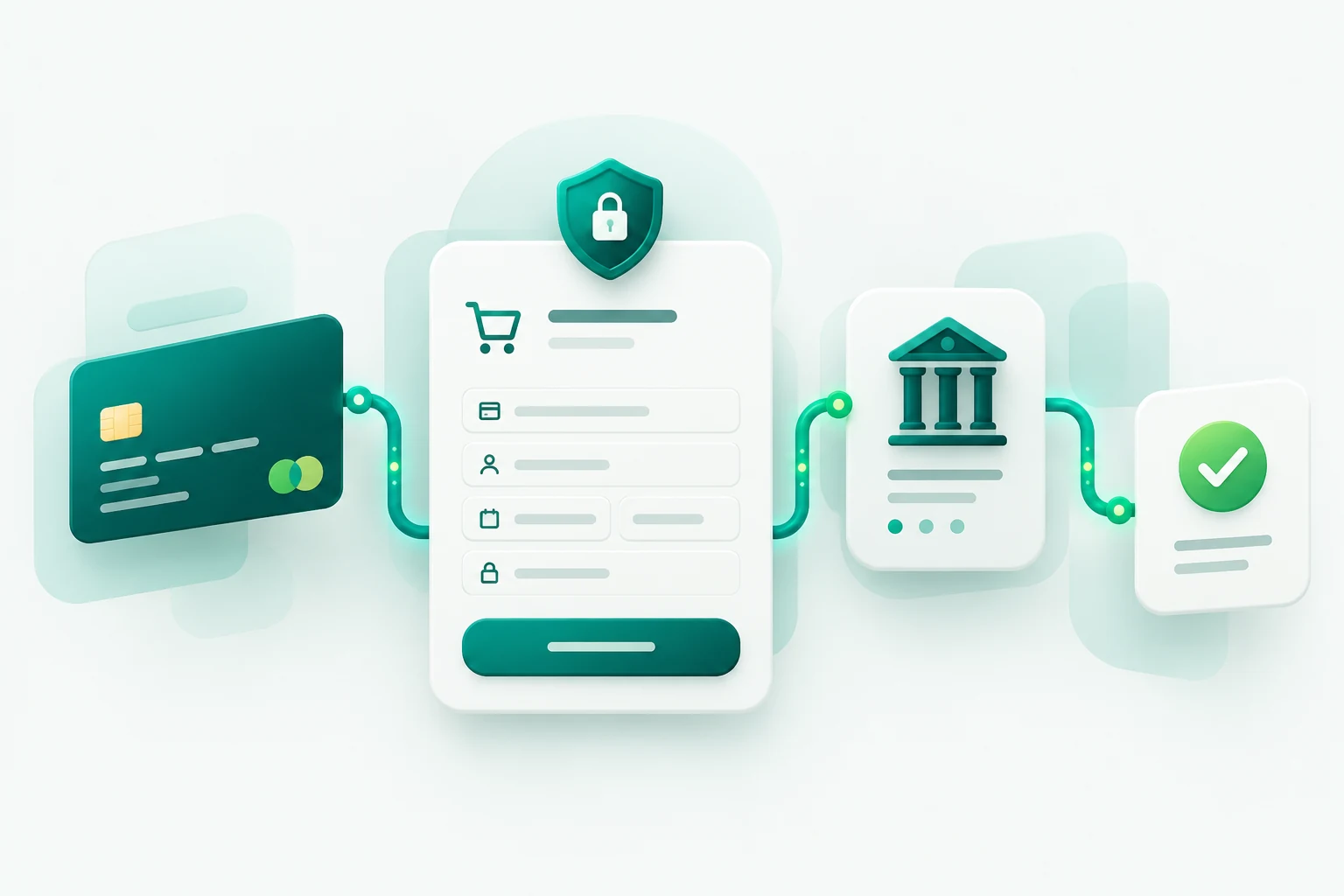
THREE PROVIDERS. ONE CONNECTED CHECKOUT.
Payment plugins built for your provider.
Explore the available connections. Provider eligibility, account access and store compatibility are reviewed before setup.
01
WOOCOMMERCE · PAYMENT PLUGIN
Kuraimi
Connect your WooCommerce checkout to Kuraimi. Start by reviewing your merchant access and the payment flow your store needs.
Merchant access review
Store compatibility check
Setup & testing scope
02
WOOCOMMERCE · PAYMENT PLUGIN
CashPay
Add a CashPay payment connection to your WooCommerce store, with the configuration and testing scope agreed around your requirements.
Merchant access review
Store compatibility check
Setup & testing scope
03
WOOCOMMERCE · PAYMENT PLUGIN
Al Amal Bank
Connect your store to Al Amal Bank. Confirm provider access, compatibility and your checkout requirements before setup.
Merchant access review
Store compatibility check
Setup & testing scope
FIND YOUR FIT
Which gateway fits your store?
Choose by the payment provider your business and customers use.
Kuraimi
Best fit
Stores whose customers use Kuraimi.
Before setup
Your WooCommerce store and an eligible Kuraimi merchant account with the required provider access.
CashPay
Best fit
Stores whose customers use CashPay.
Before setup
Your WooCommerce store and an eligible CashPay merchant account with the required provider access.
Al Amal Bank
Best fit
Stores whose customers use Al Amal Bank.
Before setup
Your WooCommerce store and an eligible Al Amal Bank merchant account with the required provider access.
Need a different provider? Explore custom payment gateway integration →
FROM SELECTION TO SETUP
A clear path to a connected checkout.
01
Share your setup
Tell us about your store, payment provider and required checkout flow.
02
Confirm the fit
Review provider access, compatibility, customization, pricing and setup responsibilities.
03
Configure & test
Agree the installation scope and test payment scenarios before production launch.
FREQUENTLY ASKED QUESTIONS
Before you choose a plugin.
Which payment plugin should I choose?
Choose the plugin for the provider your business uses: Kuraimi, CashPay or Al Amal Bank. We can review your merchant access and store requirements before setup.
Can I buy or download a plugin from this page?
This page introduces the available solutions. Open a plugin detail page or contact us to discuss pricing, access, installation and support.
Will the plugin work with my existing WooCommerce store?
Compatibility should be reviewed against your WordPress and WooCommerce versions, checkout configuration, theme and other plugins. Confirm the scope before installation.
Can I use more than one payment provider?
Each provider uses its own integration. If you need multiple providers, we will review the required plugins and checkout behaviour together.
What if I need a different provider or custom payment flow?
We also provide custom payment gateway integration. Tell us which provider and workflow you need so we can review API access and scope.
LET’S CONNECT YOUR CHECKOUT
The right provider.
A practical next step.
Share your WooCommerce store, preferred payment provider and any checkout requirements. We’ll help define the fit and setup scope.